
Workspace management is a larger commitment
A workspace product can be valuable when projects need durable structure across sessions or devices. It also asks you to adopt its model: projects, resources, saved state, and often an account.
TabShow does not compete on that breadth. It preserves Chrome's windows and groups, then improves the moment-to-moment act of recognizing a live page.
What no-account simplicity buys you
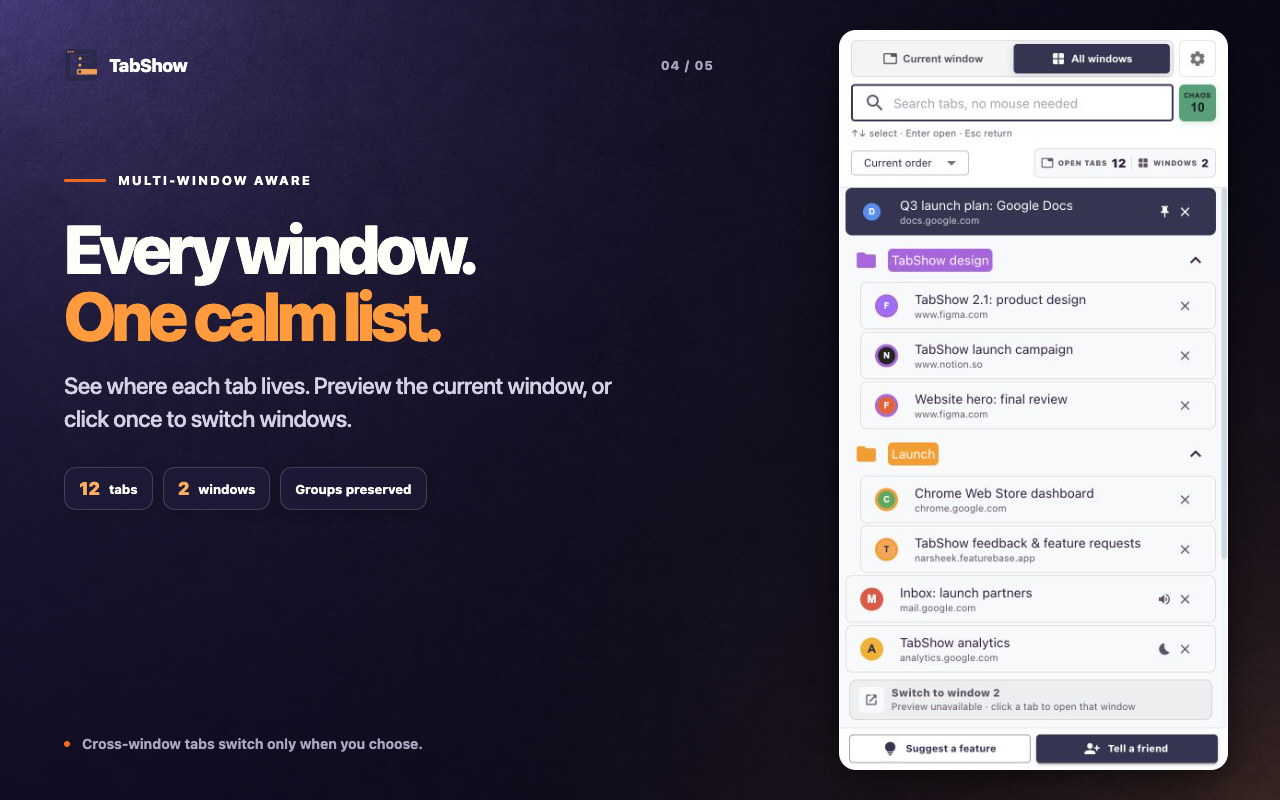
There is no onboarding taxonomy to maintain. The current window opens by default; All windows expands scope when needed. Search, sorting, keyboard navigation, and visual state sit directly above the browser tabs you already have.
- No sign-in or cloud workspace.
- Existing Chrome groups remain visible.
- Cross-window results are searchable without hover focus theft.
- Settings remain in your browser.
Know which kind of organization you need
If a project should reopen next week on another device with a curated set of resources, choose a workspace tool. If the page is open now and you simply cannot recognize it among dozens of tabs, TabShow is the smaller intervention.
Smaller is not automatically better. It is better only when it matches the job.
Which job are you hiring the tool for?
You need named project workspaces, persistent resource organization, account-based sync, and a broader layer above the browser session.
You want no account or workspace migration, just a faster way to search live tabs, preview the real page, and switch or snap back.